
Contact, booking, quote, order, cart, checkout, phone, email, and form paths visible on public pages
Evergreen guide
Your website can load perfectly and still lose the next customer.
A website being online only proves that a page responded. It does not prove a visitor can call, submit a form, book an appointment, request a quote, open a menu, or reach checkout. This guide turns that common problem into a scan-backed checklist: find the specific public paths that can fail quietly, then decide whether the free preview, Fix Packet, or retesting is the right next step.
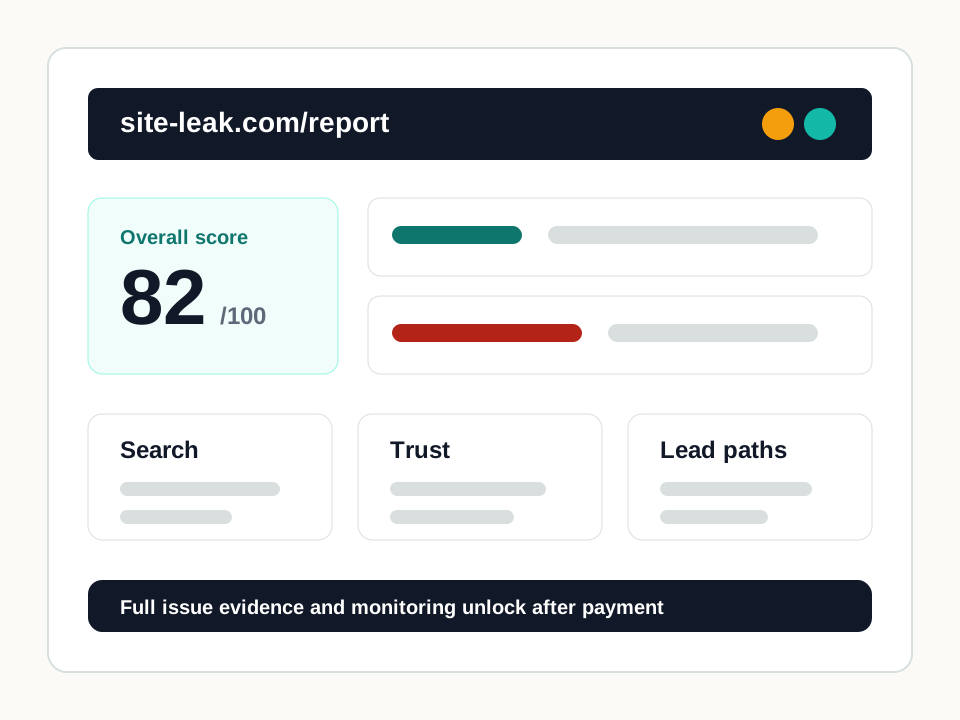
Pages and actions this check reviews
Broken action links that return errors while the main site still loads
Mobile first-screen evidence for the action the visitor is expected to take
Form structure signals such as disabled submit actions, missing contact fields, labels, and action targets
Repeat retesting evidence when the same public path gets worse after routine site changes
Online is not the same as working
A homepage can return 200 while the appointment button returns 404, the phone number is plain text, the form submit action is disabled, or the mobile page hides the one action visitors need.
The useful proof
A useful report names the page to fix, the action that broke, what SiteLeak found, the priority, the fix note, and the retest step. That is what turns a scan into a repair plan.
How the report becomes usable
Free scan first. If the preview finds real blockers, get the complete issue list as a one-time report or monitor the same public paths every week.
What this page helps you decide
Use this page when the buyer knows the website is reachable but suspects a call, form, booking, quote, order, or checkout path breaks after the page loads.
Practical fixes after the scan
Repair dead action links tied to forms, booking, quote, order, cart, checkout, menu, or service paths.
Add tap-to-call links where visible phone numbers are intended to drive mobile calls.
Fix disabled submit actions, missing contact fields, and hidden form buttons before editing general page copy.
Move the primary action into the first mobile screen when the visitor needs to act quickly.
Use retesting after the first fix when widgets, providers, forms, or campaign pages change often.
Evidence examples
checkout.broken_booking_linkHigh priority
The site loads but the booking link is dead
The homepage responds successfully, but the public booking CTA resolves to an error response during link checks.
Fix: Point the booking CTA to the current scheduler or add a redirect from the old booking route.
conversion.form_submit_disabledHigh priority
The form appears on the page but cannot move forward
Form evidence indicates a disabled submit action or missing submit path near the public customer inquiry form.
Fix: Repair the form state, required-field logic, or widget script and rerun the scan after publishing.
conversion.phone_number_not_clickableHigh priority
The mobile phone number is visible but not tappable
The public page shows a phone number in text, but no matching tap-to-call link is detected.
Fix: Wrap the number in a tel: link and confirm it is visible where mobile visitors need it.
Fix Packet
Pay only when the scan finds a clear issue.
The free scan is the decision point. If the result matters, the Fix Packet adds the exact affected path, fix brief, owner and technical PDFs, and retest checklist.
Questions this scan can answer
Does a working homepage mean the contact path works?
No. The homepage can load while a form, booking link, phone link, quote path, order path, or mobile CTA fails.
Does SiteLeak estimate lost revenue?
No. SiteLeak reports public website evidence that can block calls, forms, bookings, quote requests, orders, or checkout. It does not estimate revenue or promise outcomes.
What should I do if the scan finds a real blocker?
Fix the highest-priority blocker first, rerun the scan, then consider monitoring if the site changes frequently.